Digital UAV Video Transmission Selection Guide: Range, Latency, Interference, and Ground Station Compatibility
When people talk about UAV imaging, they often focus on the camera first. How many pixels does it have? Can it support low-light imaging? Is there a thermal imaging channel? Can the gimbal stay stable during flight?
These questions are important, but in real UAV missions, even the best camera becomes useless if the image cannot return to the ground clearly and reliably. A sharp camera with unstable video transmission still leaves the operator half-blind.
A thermal imaging payload with delayed or broken video may fail to guide inspection, rescue, patrol, or security decisions at the most important moment. This is why digital UAV video transmission should not be treated as a small accessory. It is the bridge between the aircraft, the payload, the operator, and the mission result.
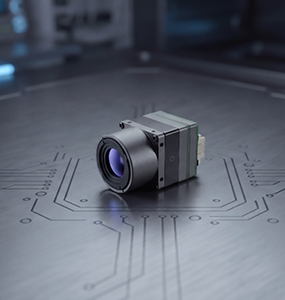
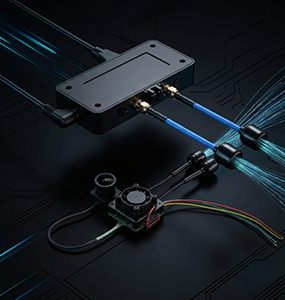
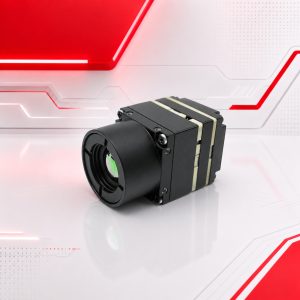
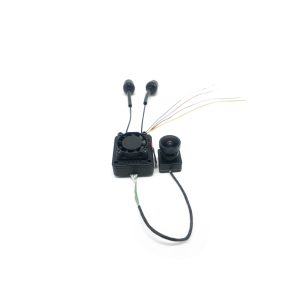
For UAV integrators, project companies, and industrial users, choosing a digital video transmission system is not only about asking "How far can it transmit?" A more professional selection process should review usable range, latency, interference resistance, video quality, ground station compatibility, power supply, antenna placement, and system integration. Luminex provides digital HD UAV video transmission solutions such as the RSM-TX-01 / RSM-RX-01 digital HD UAV video transmission system. When matched with UAV camera modules, thermal imaging cores, and field operation requirements, a stable transmission system can significantly improve mission reliability.
1. Why Video Transmission Is Part of the Mission Chain
In many UAV projects, the video transmission system is selected too late. The aircraft is chosen first. The camera is chosen second. The gimbal is designed third. Only when the team starts testing does someone ask whether the video signal can return to the ground smoothly. By that time, many problems may already appear:
- The video freezes when the UAV flies farther
- The delay is acceptable at short distance but becomes difficult during real operation
- The image quality drops in complex electromagnetic environments
- The antenna position is blocked by the airframe or payload
- The ground station cannot easily receive or display the video stream
- The power supply introduces noise or instability
- The customer sees a strong camera specification but a weak field result
This is why video transmission should be planned as part of the complete UAV payload system. It connects the camera, the operator, and the decision-making process. If this link is weak, the whole mission becomes uncertain.
2. Range: Do Not Only Look at the Maximum Number
Transmission range is usually the first parameter customers ask about. It is also one of the easiest parameters to misunderstand.
Many people want to know the maximum distance, but real missions depend more on stable usable range than ideal maximum range. A system may reach a long distance in a clean environment, but the actual result can change when there are buildings, mountains, power equipment, radio interference, low antenna height, poor installation, or aircraft attitude changes. For industrial UAV operation, the better question is: At the required working distance, can the system maintain stable image quality, acceptable latency, and reliable control of the video workflow? The answer depends on more than the transmitter and receiver. It also depends on antenna design, installation position, frequency environment, flight altitude, mission route, and ground station setup. Before choosing a digital video transmission system, define the real operating distance:
- Normal working distance
- Maximum expected distance
- Flight altitude
- Line-of-sight condition
- Urban, mountain, factory, coastal, or open-field environment
- Whether the UAV needs to fly behind obstacles
Only after this information is clear can the supplier evaluate whether the selected transmission system is suitable.
3. Latency: Different Missions Need Different Standards
Latency is another parameter that should be judged by mission type. For some inspection tasks, a small delay may be acceptable if the image is clear and stable. For fast-moving operation, manual control, tactical response, emergency search, or low-altitude obstacle-aware flying, latency becomes much more sensitive. The wrong way to evaluate latency is to ask for one universal number. The right way is to define how the operator will use the video. For example:
- Power inspection may prioritize stable image and target detail
- Emergency rescue may prioritize fast scene awareness
- Security patrol may need continuous low-delay observation
- FPV-style navigation requires much stricter latency
- Thermal imaging inspection may need stable data more than aggressive low latency
A good digital UAV video transmission solution should not only look strong in the lab. It should match the way the field team actually flies and makes decisions.
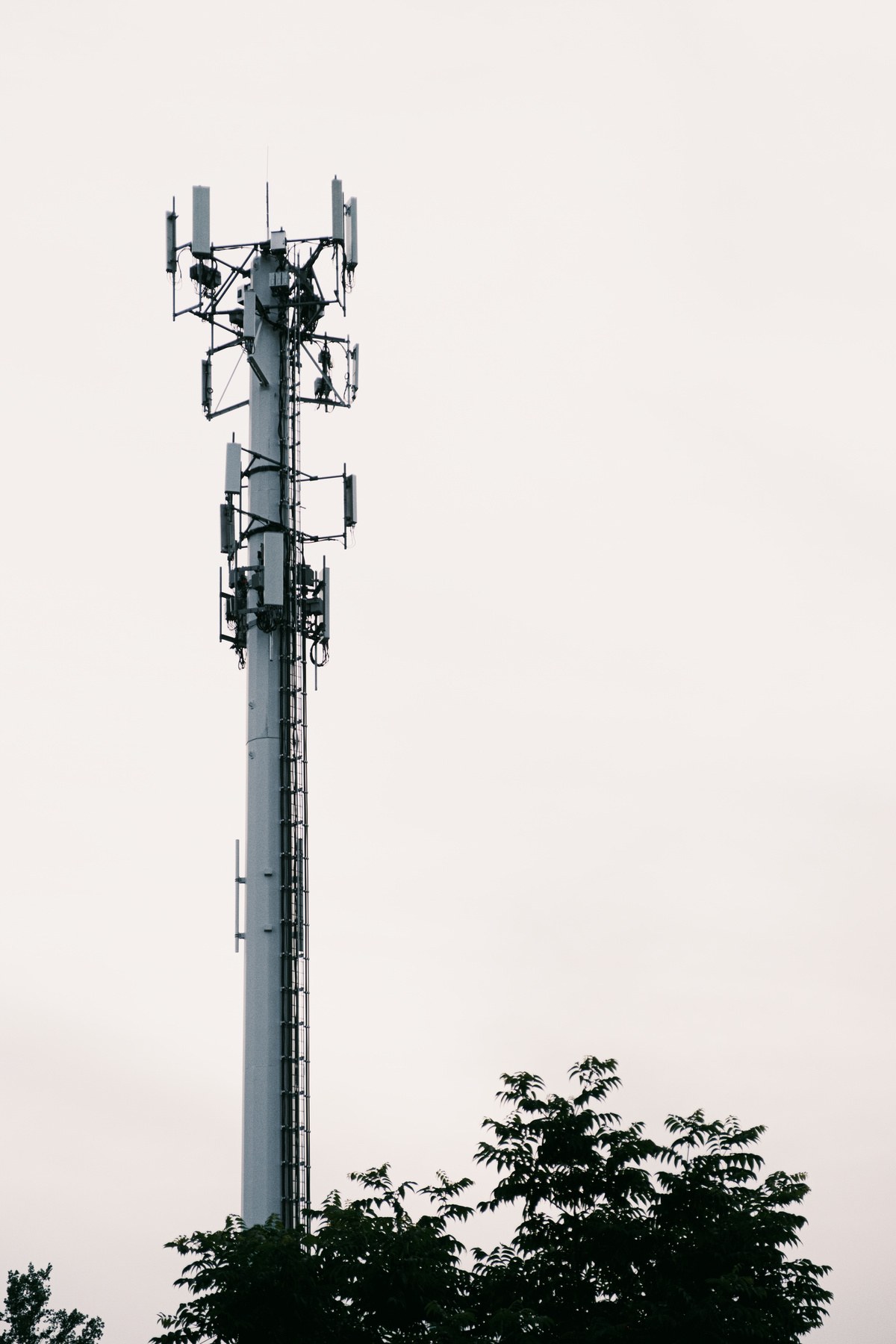
4. Interference: The Hidden Problem Behind Many Video Link Failures
In clean open fields, many video transmission systems look acceptable. The real test begins in complex environments. Industrial UAVs often work near power lines, factories, vehicles, metal structures, buildings, communication equipment, emergency scenes, and other signal sources. In these environments, interference can reduce video stability, shorten usable range, increase latency, or cause sudden signal drops. This is why procurement teams should not only ask about transmission distance. They should ask how the system behaves under interference and how installation can reduce risk. Important points include:
- Frequency planning
- Antenna type
- Antenna direction
- Antenna separation from high-noise components
- Ground station antenna height
- Airframe material and signal blocking
- Cable quality
- Power supply filtering
- Heat dissipation around the transmitter
A video link problem is not always caused by the transmission module itself. Sometimes the issue comes from antenna placement, wiring, power noise, or the aircraft structure.
5. Video Quality: Match the Link to the Payload
A UAV video transmission system should be selected together with the camera payload. If the payload is a simple visible-light camera used for general observation, the video requirement may be different from a system that carries a low-light UAV camera module, a thermal imaging camera core, or a multi-sensor payload. For example, thermal imaging video does not always need the same bandwidth as high-resolution visible-light video, but it does require stable contrast and continuous observation. A low-light camera used for night operation may need smooth image return so the operator can judge movement, obstacles, and scene changes. A multi-sensor payload may require switching, combining, or transmitting different image streams depending on the ground station design. Before selecting a system such as the RSM-TX-01 / RSM-RX-01 digital HD UAV video transmission system, confirm:
- Required video resolution
- Frame rate
- Output interface from the camera or payload
- Ground station display method
- Whether video recording is needed
- Whether the system transmits one stream or multiple streams
- Whether the mission requires visible light, thermal imaging, or both
The video transmission system should not become the bottleneck of the imaging payload.
6. Ground Station Compatibility Is Often Overlooked
A video link is not finished when the receiver gets a signal. The image must still be used by the operator. In real projects, ground station compatibility can create unexpected delays. The aircraft may transmit video correctly, but the customer may still struggle with display format, cable connection, software workflow, recording, monitoring, or integration with existing equipment. This is especially common in B2B projects where the final user already has a preferred ground station or command platform. Procurement teams should confirm:
- What display device will be used?
- Does the receiver output match the ground station input?
- Is recording required on the ground?
- Does the operator need real-time monitoring and data storage?
- Is the system used by one operator or a command team?
- Is the video feed part of a larger inspection or security platform?
If the transmission system cannot fit the ground workflow, even good air-side performance may not satisfy the customer.
| Mission Type | Video Transmission Priority |
|---|---|
| Power inspection | Stable image, moderate latency, reliable range |
| Emergency rescue | Fast scene awareness, stable signal, easy ground display |
| Security patrol | Continuous monitoring, interference resistance |
| Industrial facility inspection | Reliability, ground station compatibility, recording |
| Thermal imaging missions | Stable contrast, smooth observation, payload compatibility |
| Long-range observation | Usable range, antenna planning, video stability |
7. Installation Details That Decide Field Stability
Digital video transmission is sensitive to installation quality. A technically suitable module can still perform poorly if the system is installed carelessly. Pay attention to the following details during integration:
7.1 Antenna Position
The antenna should avoid being blocked by the aircraft body, battery, landing gear, or payload. It should also be placed with consideration for flight attitude, because the UAV will not always stay level during operation.
7.2 Power Supply
Unstable power can create video instability, heat issues, or unexpected shutdowns. The transmitter should receive clean and stable power within the required range.
7.3 Heat Dissipation
Transmission modules can generate heat during operation. If the transmitter is enclosed in a tight payload bay without airflow, performance and reliability may be affected.
7.4 Cable Routing
Poor cable routing can create mechanical stress, signal problems, or maintenance difficulty. Keep wiring organized and avoid placing sensitive signal lines close to high-noise power cables when possible.
7.5 Field Testing
Do not only test indoors. A system that works on the table may behave differently after takeoff. Perform distance testing, interference testing, altitude testing, and mission-scenario testing before delivery.
8. Practical Selection Guide for Different UAV Missions
This table is not a substitute for engineering review, but it helps teams avoid one common mistake: treating all UAV video transmission needs as the same.
9. Digital UAV Video Transmission Procurement Checklist
Before asking for a recommendation or quotation, prepare the following information:
- UAV model or platform type
- Payload type and video output
- Required transmission distance
- Flight altitude and environment
- Ground station input requirement
- Expected video resolution and frame rate
- Latency sensitivity
- Interference environment
- Antenna installation limitations
- Power supply condition
- Quantity and delivery plan
- Whether customization or integration support is needed
With this information, the supplier can make a much more accurate recommendation.
10. Final Thoughts: A Clear Image Is a Complete Chain
UAV video transmission is not just about moving images from the aircraft to the ground. It determines whether the operator can see, judge, record, and act at the right time. A good camera module, thermal imaging core, or gimbal payload needs a stable digital link to show its real value. Without reliable video transmission, imaging performance remains trapped in the air. For UAV integrators and industrial buyers, the right approach is to select the video transmission system together with the payload, ground station, operating distance, and field environment. This reduces integration delays and helps the final user get a system that works in real missions, not only in product demonstrations. If you are building a UAV payload system that includes low-light cameras, thermal imaging cores, or digital HD video transmission, Luminex can support project evaluation based on your platform, mission, and integration requirements.
FAQ
What causes UAV video transmission failure?
Common causes include weak signal, poor antenna placement, interference, unstable power supply, blocked line of sight, poor cable routing, heat buildup, and mismatch between the payload output and ground station input.
Is maximum transmission range the most important parameter?
No. Stable usable range is more important than ideal maximum range. The system must work reliably in the actual flight environment and mission distance.
What latency is acceptable for UAV operation?
It depends on the mission. Inspection tasks may tolerate more latency than fast manual operation or emergency response. The acceptable delay should be defined according to how the operator uses the video.
Should the video transmission system be selected before or after the camera?
It should be selected together with the camera and payload. Camera output, video resolution, frame rate, ground station workflow, and transmission requirements must match.
Why does video transmission work indoors but fail during flight?
Indoor testing does not fully represent real flight conditions. Distance, altitude, aircraft attitude, antenna position, interference, vibration, and heat can all affect video stability.
What information should I provide before choosing a digital UAV video transmission system?
Provide aircraft model, payload video output, required range, ground station input, operating environment, latency requirement, installation limits, power supply condition, and expected quantity.